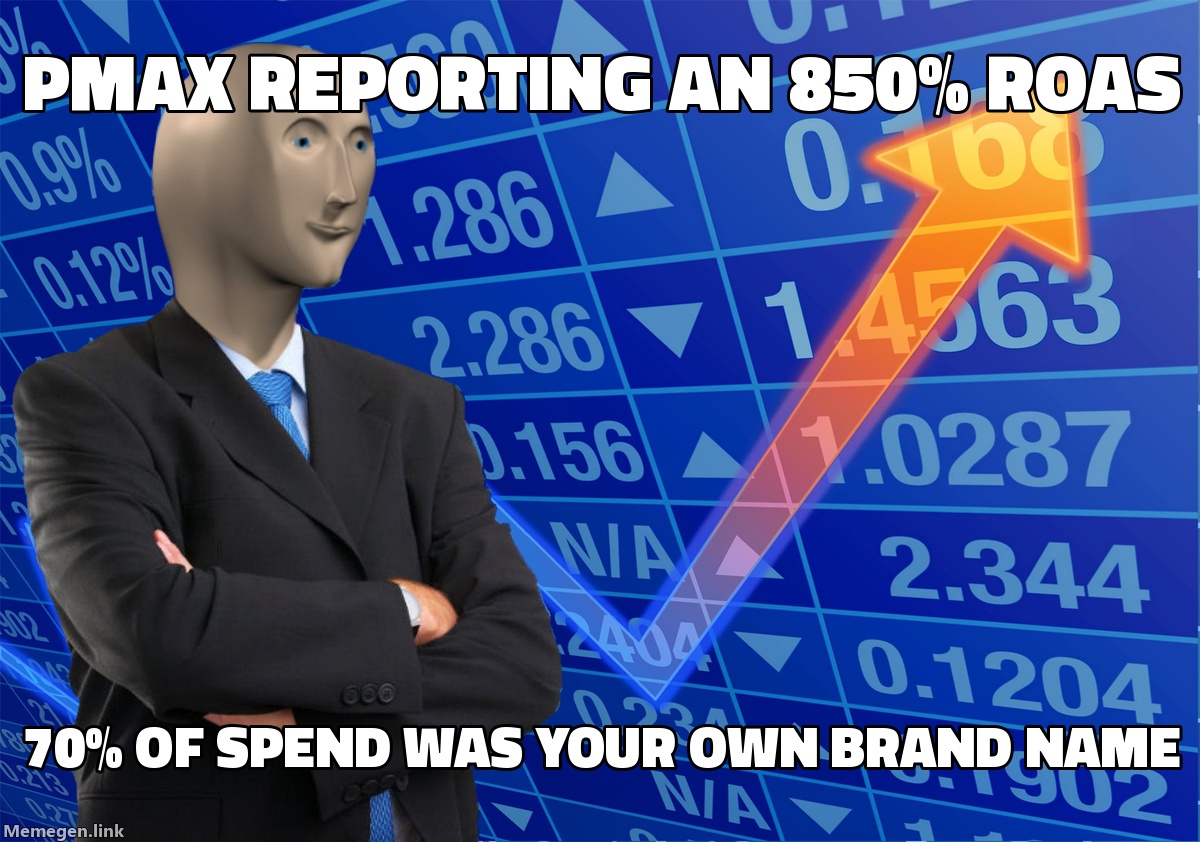
Performance Max is built to hit your target return on ad spend (tROAS) by taking the path of least resistance. When an algorithm is tasked with hitting a 400% ROAS goal, it does not care whether a conversion represents an incremental net-new customer or a loyal buyer who typed your exact company name into Google Search to log into their account. If your brand queries convert at 12% and carry a $0.40 cost-per-click, the bidding engine will aggressively divert daily budget away from cold prospecting to hoover up that branded demand.
The result is an artificial feedback loop: campaign-level reported ROAS looks invincible, while your blended customer acquisition cost quietly climbs and your top-of-funnel pipeline dries up. Running a rigorous performance max brand leak audit is the only reliable way to strip out the noise, calculate how much baseline margin you are surrendering to Google, and force the algorithm back into genuine acquisition mode.
The Anatomy of the PMax Brand Cannibalization Loop
When Google introduced Performance Max as an automated replacement for Smart Shopping and Local campaigns, it packaged Search, Shopping, YouTube, Display, Discover, and Gmail inventory into a single black box. Unlike traditional Search campaigns where you manage keyword match types with exact-match negative lists, PMax uses theme-based asset groups and algorithmic broad matching.
Unless explicitly constrained, PMax will treat your highest-intent brand terms as low-hanging fruit. This creates three compounding problems across your account architecture:
1. Cannibalization of Dedicated Standard Search Brand Campaigns
If you run a dedicated Brand Search campaign on Manual CPC or Target Impression Share, you might assume it captures 100% of your branded impressions. It does not. When PMax has a higher Ad Rank—often driven by dynamic creative combinations, dynamic sitelinks, or expansive user signals—it overrides your standard brand campaign unless the user query is an exact match to a keyword in your Search ad group. Phrase and broad brand variants will routinely route into PMax.
2. False Conversion Value Inflation
When existing customers search for your brand to repurchase, track an order, or access customer support, PMax ad formats often trigger. If that user buys within your 30-day click-through attribution window, PMax logs 100% of the conversion value. As we analyzed in our guide on how to audit Google Ads conversion value inflation, this reported ROAS is a vanity metric that masks severe cold-traffic decay.
3. Starvation of Pure Prospecting Channels
Because Smart Bidding allocates budget dynamically to whatever asset or network hits the efficiency threshold fastest, the presence of brand queries starves the rest of the campaign. Your Shopping inventory, Demand Gen placements, and YouTube video assets never receive enough conversion volume to exit the algorithmic learning phase because the brand search capture consumes 40% to 70% of daily spend.
+-------------------------------------------------------------------+
|               PERFORMANCE MAX BUDGET ALLOCATION LEAK              |
+-------------------------------------------------------------------+
|                                                                   |
|   Target ROAS Set: 400%                                           |
|                                                                   |
|   ACTUAL CAMPAIGN SPLIT:                                          |
|   ├── Brand Search Queries (62% of Spend)   --> 1,250% ROAS       |
|   └── Cold Prospecting / Shopping (38%)     -->  140% ROAS        |
|                                                                   |
|   REPORTED BLENDED ROAS: 561% (Looks Healthy)                     |
|   TRUE INCREMENTAL ROAS: 140% (Losing Money on Net-New Customers) |
|                                                                   |
+-------------------------------------------------------------------+
How to Run a Performance Max Brand Leak Audit Step-by-Step
Auditing brand leakage requires pulling data from several disparate corners of the Google Ads interface and cross-referencing them against your blended business metrics. Run through this audit sequence across your top three spending PMax campaigns.
Step 1: Analyze the Search Terms Insights Report
Navigate to your Performance Max campaign, select Insights and reports, and click Search terms insights. Group the search terms by category and look at the Consumer interest search terms.
Identify your core brand name, common misspellings, product-specific brand names, and founder or executive names. Sum the search volume, conversion value, and conversions originating from these branded buckets. If branded search categories account for more than 15% of the campaign's total reported conversion value, you have an active brand leak.
Step 2: Extract Placement Reports and Network Spend via Scripts
While Google obscures exact keyword-level spend in PMax, you can use the official Google Ads PMax Search vs. Non-Search Script (or a standard reporting script) to split performance by channel type:
- Search (Brand vs. Non-Brand)
- Shopping (Google Merchant Center feed)
- Display / YouTube / Video Partners
Review the ratio of Search spend to Shopping spend. If an e-commerce campaign with 1,000 SKUs is directing 55% of its budget into Search rather than Shopping, and your Search Terms insights show heavy brand intent, the campaign is functioning as an expensive branded search capture engine rather than an e-commerce prospecting tool.
AUDIT CHECKLIST:
[ ] Check Search Terms Insights for brand query % (>15% = High Leakage)
[ ] Compare PMax Search impression share against dedicated Brand Search impression share
[ ] Run a free Gromerce audit (via /audit) to baseline cross-channel brand overlap
[ ] Cross-check New Customer Acquisition (NCA) reporting accuracy
If you manage multi-channel accounts where Meta, TikTok, and Google run concurrently, running a free Gromerce audit will instantly flag duplicate conversion claims and cross-platform brand cannibalization that standard platform reports hide.
The Three Structural Levers to Plug the Leak
Once you have sized the volume of brand spend inside your Performance Max campaigns, you must apply the correct architectural fix. Depending on your business model, customer lifetime value (LTV), and brand defense requirements, use one of the following three approaches.
+--------------------------+----------------------------+-----------------------------+
| Strategy                 | Best Used For              | Primary Tradeoff            |
+--------------------------+----------------------------+-----------------------------+
| 1. Brand Exclusions      | Mature brands with high    | Immediate drop in reported  |
|    (Campaign Settings)   | organic search volume      | PMax ROAS; reveals real CAC |
+--------------------------+----------------------------+-----------------------------+
| 2. Account-Level         | Universal protection       | Blocks broad brand queries  |
|    Negative Keyword Lists| across all standard Search | across entire account       |
+--------------------------+----------------------------+-----------------------------+
| 3. New Customer          | High-LTV businesses,       | Requires flawless first-    |
|    Acquisition (NCA) Mode| subscription models        | party data/CDP sync         |
+--------------------------+----------------------------+-----------------------------+
Lever 1: Apply a Brand Exclusion List
The cleanest, most direct method is applying a Brand Exclusion List directly in campaign settings.
- Navigate to Campaign Settings > Additional settings > Brand exclusions.
- Create or select a brand list containing your company name, proprietary product names, and trademark variations.
- Apply the list to the PMax campaign.
What happens immediately: Your reported PMax ROAS will drop by 30% to 60% within 48 hours. Do not panic. The algorithm is no longer able to buy your existing customers. It is now forced to bid on actual non-brand queries, Shopping auctions, and cold video placements. You must lower your campaign tROAS target (e.g., from 500% down to 220%) to prevent the bidding engine from stalling spend. As Google rolls out tighter target adherence—similar to the platform-wide shifts seen in recent bidding target enforcement updates—leaving an unrealistic tROAS on a brand-excluded PMax campaign will cause daily spend to collapse entirely.
Lever 2: Isolate Brand via Dedicated Exact-Match Search
If your competitors bid on your brand name, you cannot simply abandon brand advertising. Instead, isolate it into a dedicated Standard Search campaign running on Target Impression Share (95%+ Absolute Top of Page) with a tight Max CPC bid cap.
Ensure your dedicated brand campaign contains exact-match and phrase-match keywords. When PMax has brand exclusions applied, all branded search traffic cleanly routes to your dedicated campaign, where you can control CPCs down to the cent, maintain 100% impression share, and prevent margin erosion.
Lever 3: Enable New Customer Acquisition (NCA) Bidding
If you must allow PMax some flexibility across brand terms, configure Customer Acquisition Goals:
- Set the campaign to Bid higher for new customers or Only bid for new customers.
- Upload your first-party customer lists via Customer Match and ensure the Google tag is passing new-vs-returning customer parameters.
- Assign an explicit New Customer Value (e.g., $35.00 extra value per new customer acquisition).
This forces the Smart Bidding algorithm to discount repeat purchasers searching your brand name, preventing it from wasting budget on existing buyers who were going to convert regardless.
What to Do This Week: Isolate, Measure, and Reallocate
Do not overhaul every campaign simultaneously. Execute this specific sequence over the next five business days:
- Monday: Open your highest-spend PMax campaign. Go to Insights > Search Terms and calculate the exact percentage of conversion value generated by your brand terms over the last 60 days.
- Tuesday: Create a comprehensive Brand List in your Shared Library that includes your brand name, common typos, and core trademark phrases.
- Wednesday: Apply the Brand Exclusion List to your prospecting PMax campaign. Immediately lower your tROAS target by 35% to 50% to align with your true non-brand historical baseline.
- Thursday: If you do not have an isolated Brand Search campaign running on Target Impression Share, launch one with an absolute top-of-page target and a strict Max CPC ceiling.
- Friday: Review your total account-level daily spend. Verify that PMax spend has transitioned into genuine non-brand search terms and Shopping feeds without an artificial collapse in lead volume or new-customer orders.
Sources:
