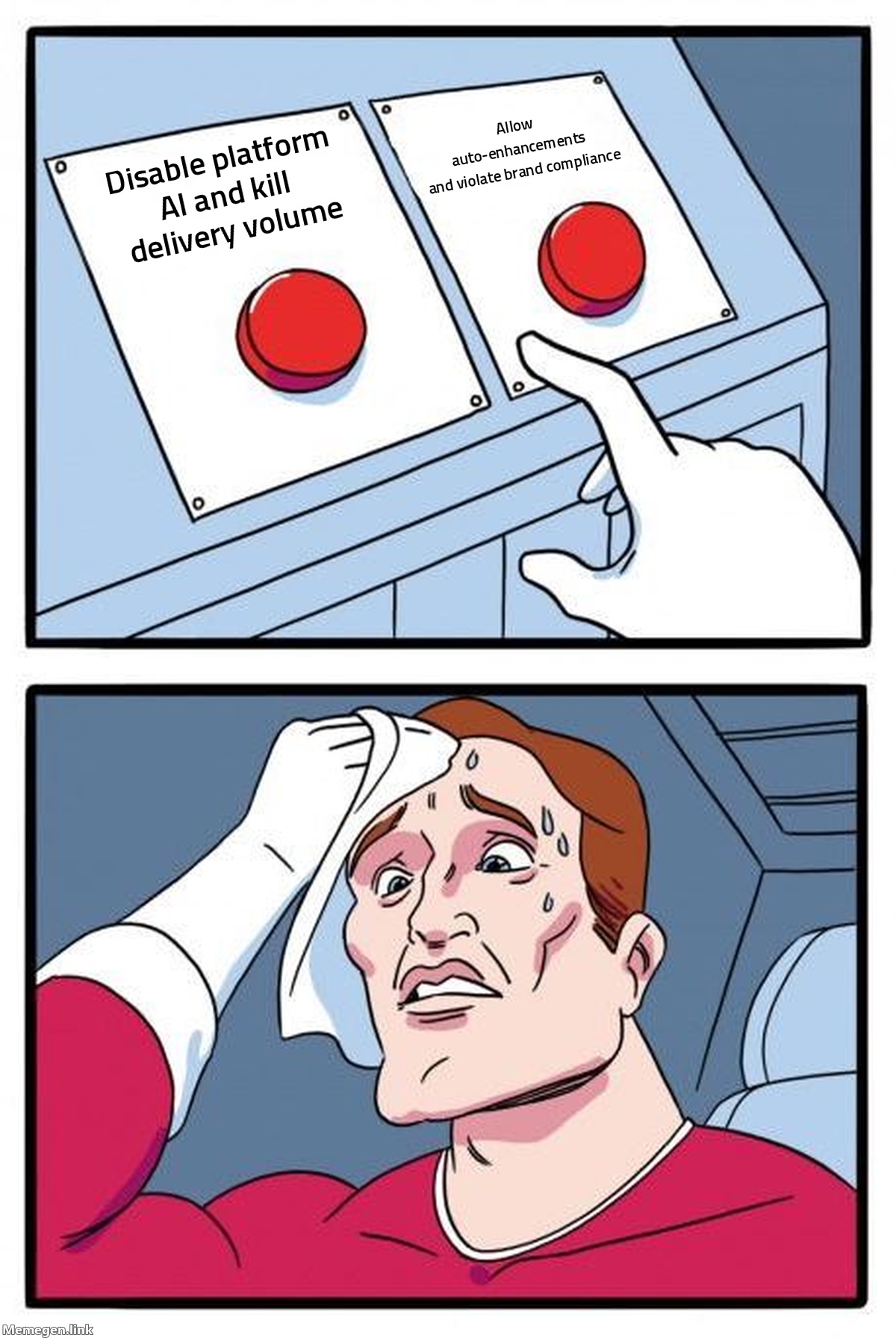
Your creative team spent three weeks refining brand-compliant copy, legal signed off on every claim, and your media buyer launched the campaign. Forty-eight hours later, the platform served a synthetic headline that fabricated a 30% discount you never offered.
This is not a theoretical edge case. When it comes to managing automated ad creative changes, most marketing teams are operating on outdated assumptions. They believe what they upload into the ad account is what the audience sees. In 2026, that assumption is dead. Between Meta Advantage+ Creative enhancements, Google Ads automatically created assets, and autonomous campaign agents, ad platforms are actively modifying copy, cropping product imagery, and inserting unvetted text directly onto creative assets post-launch.
When an ad platform’s algorithm hallucinates an inaccurate product spec or strips mandatory legal disclaimers to improve click-through rate, the blame cannot simply fall on an algorithm. The failure happens at the governance level: marketing teams sign off on original assets but maintain zero accountability for the autonomous permutations generated after the fact.
The Invisible Pipeline: How Platforms Alter Live Creative
Ad networks are incentivized to optimize for immediate user engagement and clearing bids, not to protect your brand equity or legal compliance. Over the past 18 months, optimization engines transitioned from subtle color corrections and aspect-ratio adjustments to generative copy rewriting and visual synthesis.
[Approved Brand Asset]
       │
       ▼
[Ad Account Upload]
       │
       ├─► Advantage+ / AI Max Auto-Enhancements (Active by Default)
       │     ├─ Generative Image Expansion & Text Insertion
       │     ├─ Dynamic Headline & Description Rewrites
       │     └─ Algorithmic Cropping & Saliency Shifts
       │
       ▼
[Modified Live Ad Served] ──► Conversion Spikes vs. Compliance Failures
If you leave default settings untouched, you are not running your creative—you are running the platform’s algorithmic interpretation of your creative.
1. Generative Text Rewrites
Meta and Google both deploy natural language models to create synthetic variations of approved headlines and body copy. While this feature promises a 6% to 12% lower cost per acquisition on paper, it routinely strips context, removes mandatory regulatory caveats, and introduces unauthorized promotional language. For regulated verticals—such as financial services, healthcare, and SaaS—this creates immediate legal exposure.
2. Generative Image Expansion and Text Insertion
As we explored when Meta's AI started rewriting text inside ad images, platforms no longer treat your image files as fixed assets. Meta’s generative expansion algorithms will extend backgrounds, shift focal points, and re-render typography to fit Reels or Stories placements. When an algorithm arbitrarily relocates a logo over a product's primary feature, visual clarity evaporates.
3. Google Asset Automation
Google Ads campaigns utilizing automatically created assets pull information dynamically from your landing pages, domain history, and competitor query context. If your landing page features legacy promotional pricing or an expired case study, the engine can inject those outdated figures straight into responsive search ads without notifying your team.
Why Marketers Lose Control: The Accountability Gap
The core problem is structural. Most organizations operate with a hard boundary between creative development and media execution. Creative agencies deliver a static deck of approved MP4s and JPEGs. The media buyer receives the files, drops them into campaign setups, and toggles on performance-enhancing toggles because the platform flags "sub-optimal setup" warnings if they do not.
Once all three major ad platforms deployed AI agents to manage bidding and asset assembly, that linear workflow collapsed.
TRADITIONAL WORKFLOW:
Copywriter ──► Legal/Brand ──► Media Buyer ──► Exact Asset Served

CURRENT WORKFLOW:
Copywriter ──► Legal/Brand ──► Media Buyer ──► Platform Engine ──► Synthetic Asset Served
                                                     ▲
                                        (Accountability Breaks Here)
When an issue occurs, the media buyer blames the creative team for ambiguous copy, the creative team points out the live ad does not match their upload, and both blame the platform's black-box algorithm.
To fix this, you must treat dynamic and automated elements as distinct ad variations that require the same governance as human-written copy. If an automated feature cannot be monitored or audited in real time, it should not be active in an enterprise ad account.
Framework for Managing Automated Ad Creative Changes
Eliminating automated creative changes entirely is often counterproductive. Fully disabling platform machine learning can raise CPMs by 15% to 25% because platforms prioritize assets that allow algorithmic flexibility across diverse placements.
The solution is not blanket opting-out; it is enforcing strict platform boundaries.
Meta Ads: Establishing Advantage+ Creative Guardrails
When configuring Meta campaigns, never accept the standard "Select All" recommendation for Advantage+ Creative enhancements. Instead, audit each enhancement independently:
- Standard Enhancements (Color/Contrast/Ratio): Keep enabled for standard direct-response campaigns unless strict visual brand guidelines dictate otherwise.
- Text Variations per User: Disable if running regulated offers, legal disclaimers, or strict brand voice constraints. Enable only on generic top-of-funnel discovery campaigns.
- Generative Image Expansion: Disable for direct product demonstration ads where edge distortion degrades product presentation. Enable for lifestyle and environmental photography.
- Visual Touch-Ups & Overlays: Disable text-on-image generation. The engine's OCR frequently misinterprets underlying graphics and layers contradictory typography over existing graphic elements.
Google Ads: Setting Hard Boundaries on Automatically Created Assets
For Search and Performance Max campaigns:
- PMax Asset Automation: In your Performance Max campaign settings, evaluate "Automatically created text assets" and "Final URL expansion." If your website contains un-indexed subdomains, outdated blog posts, or legacy product pages, turn Final URL Expansion off. Google's crawler will pull copy from outdated URLs and push it into active ad copy.
- Responsive Search Ads (RSAs): Use pinning strategically. Pinning essential brand messaging or legally required disclaimers to Position 1 or Position 2 prevents the algorithm from assembling nonsensical combinations while still leaving unpinned slots open for machine-driven testing.
- Asset Level Reporting: Pull the "Combinations" report bi-weekly. Sort by impressions to review the actual permutations Google's engine is serving to users rather than relying solely on aggregate ROAS figures.
| Platform Setting | Optimization Default | Recommended Governance Action | Risk Level | | :--- | :--- | :--- | :--- | | Meta Text Generation | Enabled (All variations) | Disable for regulated products; restrict to approved pools | High | | Meta Visual Touch-ups | Enabled (Auto-expand) | Selective; disable for precision hardware/e-commerce packs | Medium | | Google RSA Asset Generation | Enabled (Domain-wide) | Restrict via Asset Groups; pin critical value propositions | High | | Google Final URL Expansion | Enabled | Disable unless entire site inventory is active and accurate | High |
The Protocol for Account Auditing
To maintain control over what your market actually sees, run a monthly asset governance check. A standard Gromerce audit frequently surfaces accounts where up to 40% of delivered impressions come from dynamically altered assets that no brand manager ever reviewed.
Establish this internal protocol across your team:
Step 1: Assign Asset-Level Ownership
Designate one role—typically the Growth Lead or Senior Media Buyer—as the owner of dynamic live assets. Their mandate is not just managing bids and budgets, but conducting weekly visual spot-checks of actual delivered permutations via ad platform ad libraries and placement breakdowns.
Step 2: Establish a Dynamic Negative List
Maintain an active document of banned terms, unauthorized claims, and competitor names that dynamic engines tend to borrow. In Google Ads, implement account-level negative keywords and brand exclusions to stop automated systems from matching and generating context around competitors.
Step 3: Run Baseline Control Split-Tests
Never assume automated modifications improve your bottom line. Run controlled A/B experiments comparing:
- Control Group: Manually structured ads with auto-enhancements toggled off.
- Test Group: Algorithmically enhanced dynamic creative.
Measure performance by downstream margin and lead qualification rates—not purely top-of-funnel CTR. Automated enhancements often drive cheap clicks by amplifying sensational hooks while degrading actual conversion quality on your landing page.
What to Do This Week
Do not wait for a brand violation or an angry customer email to audit what your ad networks are serving.
- Meta Ads Manager: Navigate to your top three spend campaigns. Select an active ad set, click into the Ads tab, and open the "Breakdown" dropdown. Select By Dynamic Creative Element. Review the exact headlines, body copy variations, and image crops that received more than 10% of total spend over the last 14 days.
- Google Ads: Go to Campaign Settings > Automatically Created Assets. Check whether automated text assets are enabled. If enabled, immediately open the Assets tab, filter by "Source: Automatically created," and delete any assets containing obsolete pricing, inaccurate claims, or poorly formatted copy.
- Establish Sign-Off Thresholds: Update your internal creative-to-media handoff document. Require explicit sign-offs on whether platform-level generative modifications are permitted for each specific campaign tier before spend goes live.
Sources:
- Search Engine Journal: AI Isn’t Killing Marketing Accountability, It’s Exposing Who Never Had It
- Google Ads Blog: Make AI Max work for your business with new testing and planning tools
- Meta Business Help Center: About Advantage+ Creative and Generative AI Features
