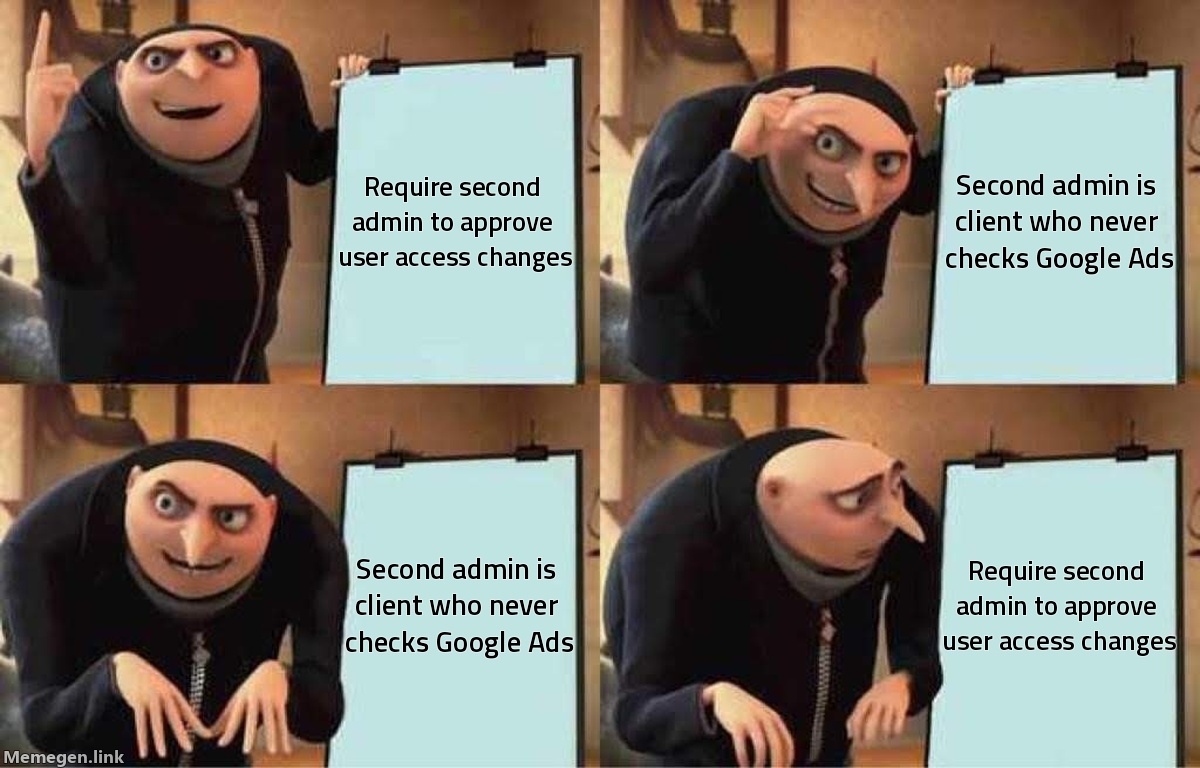
Google Ads quietly rolled out Multi-Party Approval (MPA) on July 27, 2026. The feature doesn't sound alarming in the announcement — "additional security for user management" — but the operational consequence for agencies and solo consultants is real: if your account has more than three administrator accounts, you now need a second admin to sign off before any user access change takes effect.
Adding a new team member? Second admin must approve. Removing a client's ex-contractor who shouldn't have access anymore? Second admin must approve. Changing someone's role from standard to admin? Same.
The 20-day clock starts the moment the first admin submits the request. If the second admin doesn't confirm within that window, the request expires and you start over.
What actually triggers the requirement
MPA activates based on admin headcount. Accounts with three or fewer administrators are not affected — at least not yet. Once you cross that threshold, every user-management action enters a two-step confirmation flow.
Specifically covered actions include adding or removing users and changing existing access levels. Read-only users and API-only users are exempt from the approval requirement (they don't get admin-level access, so the risk model is different). Passkey verification for sensitive actions has been a separate, parallel requirement since July 15 — MPA builds on top of that layer, it doesn't replace it.
The 20-day expiry is the detail most affected accounts will learn the hard way. There's no "remind second approver" button documented in the interface. If your second admin is on vacation, on parental leave, or simply ignores the notification, you wait or re-request.
The problem that's getting buried in the announcement
Security features that assume two responsive admins exist work fine for large in-house teams. They break for the way most Google Ads work actually happens: an agency managing the account, with the client as a nominal admin who was added "just in case" and hasn't logged into Google Ads since 2023.
That client is now your required second approver. They may not have passkeys set up. They may not recognize the Google Ads notification email as real. They may approve on day 18 after you've sent three follow-up messages.
ppc.land's coverage of the rollout noted there's no documented escalation path for accounts stuck mid-request with an unresponsive admin. Google's Help Center describes the flow but doesn't address what happens when the required second approver is effectively unavailable. The account doesn't break — you just can't complete the user management action until either the second admin responds or the 20 days lapse.
For agencies running hundreds of client accounts, this is a coordination overhead that didn't exist a week ago.
What to look at right now
Open your Google Ads user management panel and count your admins. If you're at four or more, MPA is already active on your account.
From there, three things are worth doing immediately:
Identify your real second approver. Not whoever is technically listed as an admin — whoever will actually respond within 20 days when you need them. If the answer is "no one," that's your signal to restructure access before you're blocked mid-task.
Remove stale admin accounts. Every account has them: ex-employees, contractors from 18 months ago, duplicate login emails. Removing a stale admin while you're still the only active admin means no second approver required (assuming removal drops you to ≤3 admins total). Do this now, before the headcount makes removal itself require a second approval. Yes, that's the trap: cleaning up stale admins requires the same MPA flow you're trying to avoid.
Brief your clients if they're listed as admins. They need to know that Google will send them approval requests, what those requests look like, and that ignoring them blocks real account work. A short note now prevents a panicked call when the first request sits unanswered on day 19.
Why this matters beyond the security angle
The security rationale is legitimate — unauthorized access changes are a real threat vector and requiring a second set of eyes reduces risk. The friction is also legitimate and worth planning around.
For agencies doing quarterly account audits, the admin-count threshold means what used to be a 10-minute housekeeping task now involves scheduling coordination with a client contact. For solo consultants who are the only active admin on a small-business account with a dormant client admin, there's no good answer documented yet — only the 20-day wait.
Google will likely expand MPA to lower admin thresholds over time. Getting your access structure clean at three or fewer active admins now puts you outside the current threshold and gives you time before that changes.
Need a second set of eyes on your account structure before MPA blocks you? Run a free account audit →
Sources: Search Engine Land, PPC Land, Google Ads Help Center, July 2026
