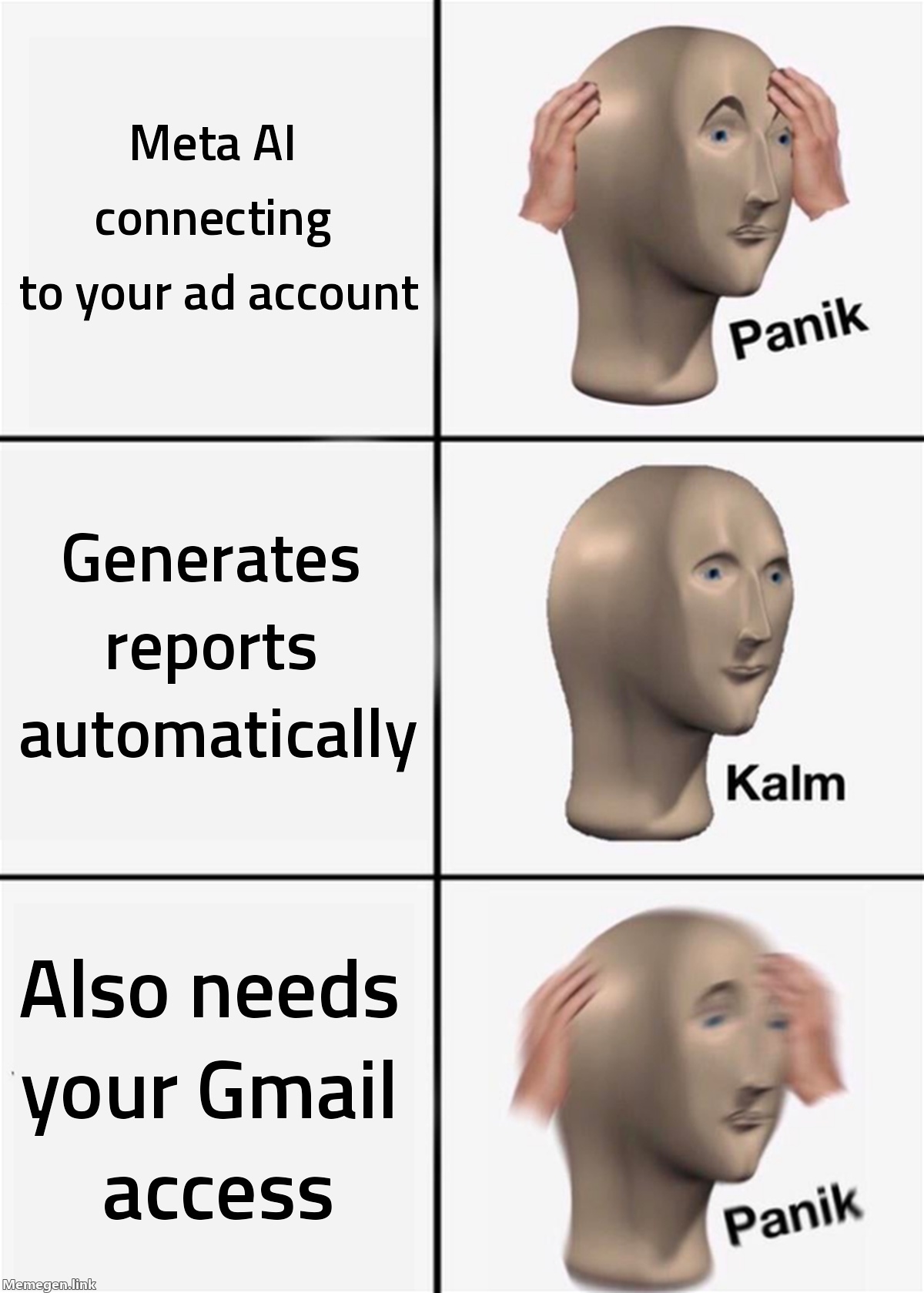
Meta announced a set of new capabilities for Meta AI on August 20, giving advertisers a way to connect their ad campaigns directly to the AI assistant for analysis and reporting. The feature can also pull data from Google Workspace — Gmail, Google Docs, Sheets, and Slides — and turn performance findings into presentations and spreadsheets.
If your first reaction is "that sounds useful," read the second half of that sentence again.
What Meta AI can actually do with your campaigns
The core capability is conversational analysis of your Meta Ads account. You ask Meta AI to review the last 90 days of performance, and it pulls the data, identifies which audiences are delivering results, surfaces patterns across top-performing creative, flags ads that appear to have stopped resonating, and suggests where your budget might work harder.
The output can go beyond the chat window. Meta AI can build the summary into a Google Doc, a Slides presentation, or a Sheets report — which is where the Google Workspace integration comes in.
According to Search Engine Land's coverage of the announcement, these features are rolling out across Meta AI on web, mobile, and desktop. A new Mac desktop app is also part of the release.
The Google Workspace part deserves a slower read
Connecting your Meta Ads account to Meta AI makes sense. Meta owns that data, and getting a natural-language layer on top of your campaigns is a straightforward extension of what the platform has been building toward.
The Google Workspace connection is different. When you grant Meta AI access to your Google Workspace, you're giving it reach into Gmail, Google Docs, Google Sheets, and Google Slides. Meta frames this as a convenience — your AI assistant can pull ad data and drop it into the spreadsheet you already use. That's a fair description.
It also means that Meta, which earns revenue by understanding advertiser behavior, now has access to the email account where you manage vendor relationships, contracts, and business communications.
Neither Meta nor the coverage from Small Business Trends specifies exactly what Meta AI reads from Gmail versus what it only touches when you explicitly ask it to. That detail matters, and it's worth checking before connecting the integration.
Who this is actually for
Meta positions these tools for small businesses that don't have dedicated analytics teams. That's an honest framing — if you're a one-person e-commerce brand pulling weekly reports manually, having Meta AI compile the performance summary and put it into a slide deck saves real time.
For media buyers managing larger accounts, the analysis layer is more limited than what you'd get from a dedicated reporting tool. The 90-day lookback is useful but narrow. The recommendations will be directional at best — "your top-performing audiences showed X pattern" is a starting point, not a media plan.
Where it does add value for larger advertisers: generating the first-draft summary deck for client reporting. A 20-minute manual task becomes a prompt. That's real time back, even if the deck needs editing before it goes out.
The broader pattern
This is the second major announcement about Meta AI entering the advertiser workflow in the last three months. The Business Agent for WhatsApp — which handles customer support and checkout guidance — was the first. Now there's a version that sits inside your reporting loop.
The direction is clear: Meta wants its AI inside the tools advertisers use daily, not just in Ads Manager. Whether that reads as a productivity tool or a data-sharing arrangement depends on what you connect to it and how carefully you read the permissions screen.
What to do
If you're going to test this, start by connecting only the Meta Ads data, not Google Workspace. Run a few analysis prompts and assess whether the output is actually more useful than Ads Manager's built-in breakdowns. Then decide whether the Google Workspace integration is worth the added access it requires.
If you're in an agency managing client accounts, have the conversation before connecting any client's Google Workspace to a third-party AI. The permissions involved extend beyond the ad account.
If you want to understand how your current Meta campaigns are actually performing before adding an AI layer on top of them, the free audit at /audit pulls your account structure and surfaces the gaps in a few minutes.
A feature being convenient and a feature being a good idea for your business are not always the same thing.
Sources: Search Engine Land, August 2026
