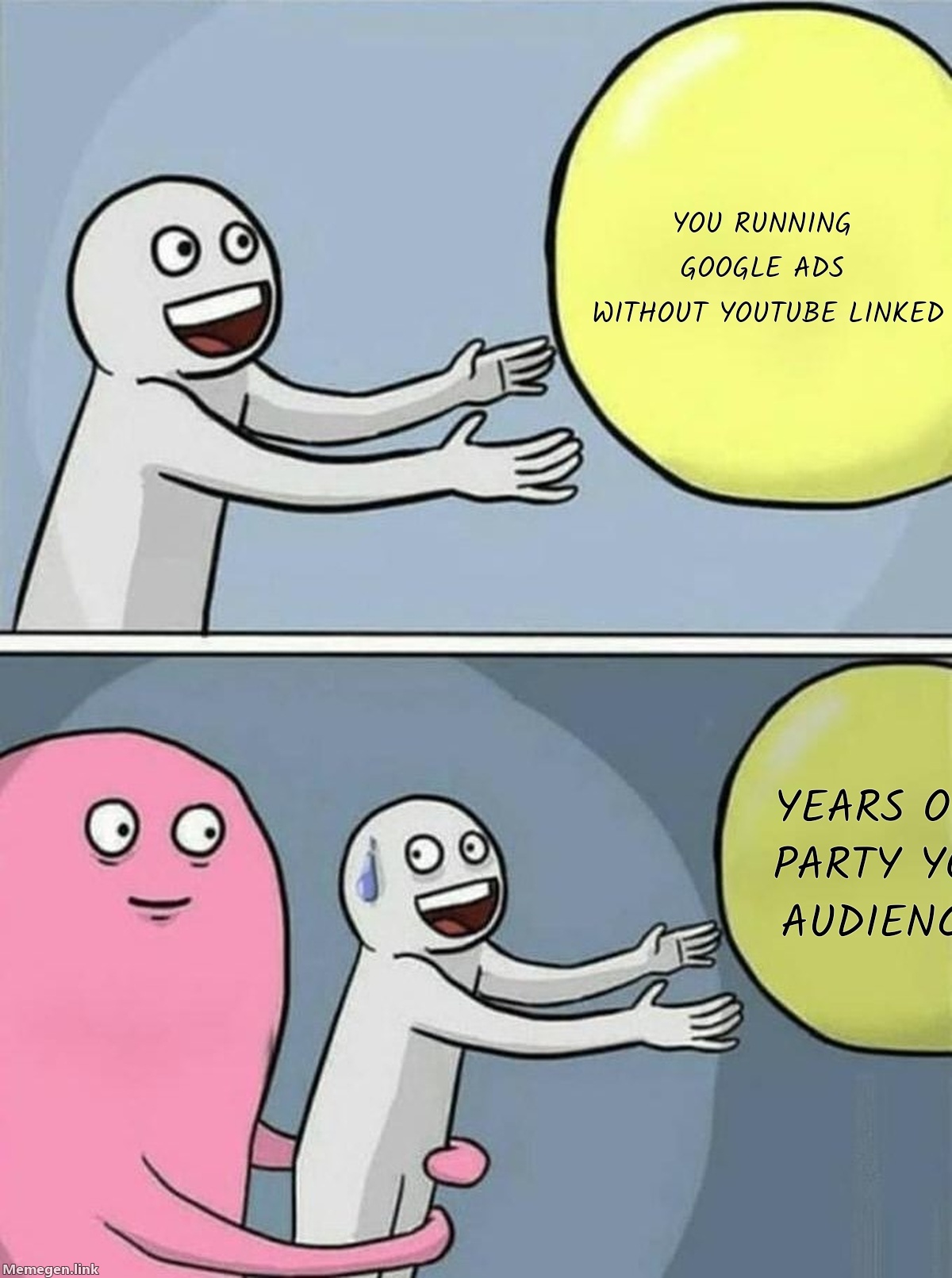
Starting June 10, 2026, Google will automatically connect Google Ads accounts to YouTube channels wherever it detects a high-confidence ownership relationship. If the two accounts share the same Google account ownership, the link goes live unless someone explicitly rejects it during the 30-day notification window.
That window is almost over.
What's changing on June 10
Google sent notification emails to qualifying advertisers at least 30 days before the June 10 date. Any admin on either the Google Ads account or the YouTube channel can reject the connection before it's created. After June 10, the link can also be manually removed at any time.
If you haven't seen the notification email, check spam or go directly to Settings > Linked accounts > YouTube inside your Google Ads account. You'll either see a pending auto-link request, an already-linked channel, or confirmation that no connection was detected.
The auto-link applies to accounts that weren't already linked. If your accounts are connected, nothing changes on June 10 — but the audience gap this article is about may still apply to you.
What the link actually opens up
Four things become available once the connection exists:
YouTube engagement audiences — viewers of any video, channel subscribers, users who visited the channel page — become buildable segments in your Shared Library. These are first-party behavioral signals from real viewers, not modeled lookalikes.
Channel subscriptions become trackable as conversion actions. You can feed this into Smart Bidding, which means campaigns can start optimizing toward users more likely to subscribe to your channel if that's a meaningful mid-funnel signal for your business.
Earned actions become visible. When someone sees a video ad, doesn't click, but later subscribes or watches more content organically, that behavior was previously untracked. After the link, it's measurable. For brands running YouTube at any scale, this is a gap in attribution that most accounts have been ignoring.
Organic video metrics from your channel also appear alongside paid video performance in Google Ads reporting. Not transformative, but useful when you're trying to understand whether paid views and organic views are reaching the same people.
Why this matters for your campaigns
These signals don't just sit idle in a data segment. Performance Max uses first-party audience lists as bidding signals. If you have an engaged YouTube subscriber base — people who watch multiple videos, return to the channel, engage with content — those users are telling you something about purchase intent that anonymous targeting can't capture. PMax can use that information. Without the link, it can't.
Demand Gen campaigns have a direct integration: YouTube Engagements goals let campaigns optimize specifically for channel growth actions, including subscriptions and return views. Even if channel growth isn't a goal for your account, having that optimization path available costs nothing to unlock.
Smart Bidding uses everything it can see. The narrower the signal pool, the worse the bids. YouTube engagement audiences expand that pool with people who've actually shown affinity for your brand through its content, not just through ad clicks.
Should you opt out?
There are real situations where opting out makes sense: the matched YouTube channel belongs to a different legal entity, the brand has never used YouTube and has no plans to, or there's an agency or shared account structure that makes the data connection complicated.
For any brand actively using Google Ads and YouTube together, opting out means deliberately discarding first-party audience data you've already built. That's a hard argument to make.
The more common situation is brands that have a YouTube channel, run Google Ads, never made the link, and have been sending PMax into campaigns without the audience signals sitting right there. Google making this automatic isn't aggressive — it's correcting something most advertisers should have done themselves.
What to do before and after June 10
Right now: check your Google Ads account under Settings > Linked accounts > YouTube. Confirm whether the link is already active, pending, or absent.
After June 10: go to Tools > Shared Library > Audience Manager and look for YouTube-based segments. If the link is new, give it 24–48 hours for audience pools to populate. You're looking for segments like "Viewed any video," "Subscribed to channel," and "Visited channel page."
Once those segments appear, add them to your PMax campaigns under Audience signals. Set them as Observation, not Targeting — you want to give the algorithm information without restricting its reach. Apply the same to any Demand Gen campaigns running YouTube inventory.
If you're not sure what's feeding your PMax signals right now or whether your YouTube data has ever been in the loop, an account audit will show you exactly what the algorithm is and isn't seeing. Run a free audit here.
Google finally automated the connection. Whether you use it is still your call.
Sources: Search Engine Land, Google Ads Help, The Keyword, May 2026