Google Ads is rolling out Gemini-powered dashboards that let you build performance reports from plain-text prompts. The feature started appearing in some accounts on September 8, first spotted by PPC specialist Thomas Eccel and documented at ppc.land. Google had announced the capability in August 2026.
The workflow: you type a question — "why did ROAS drop last week?" or "show me device performance for Search campaigns" — and Gemini generates a visual chart alongside a written narrative explaining what it found. No manual report building. No metric selection. No wrestling with date comparisons across tabs.
That's the pitch. Here's what matters for accounts where it's actually landing.
What the dashboard does
The feature lives inside Google Ads reporting and accepts natural-language queries. You get charts covering impressions, clicks, cost, and conversion metrics, with breakdowns by device, audience, and campaign type, plus a Gemini-written summary that explains the "why" behind what you're looking at.
It's genuinely useful for one thing most paid media managers spend too much time on: translating campaign data into something a non-technical stakeholder can read. If your CMO wants to understand why spend efficiency shifted last month, this gives you a draft explanation faster than building a Looker Studio deck from scratch.
The interface updates in real time as you refine the prompt. You can ask a follow-up question without starting over.
Where it's actually useful
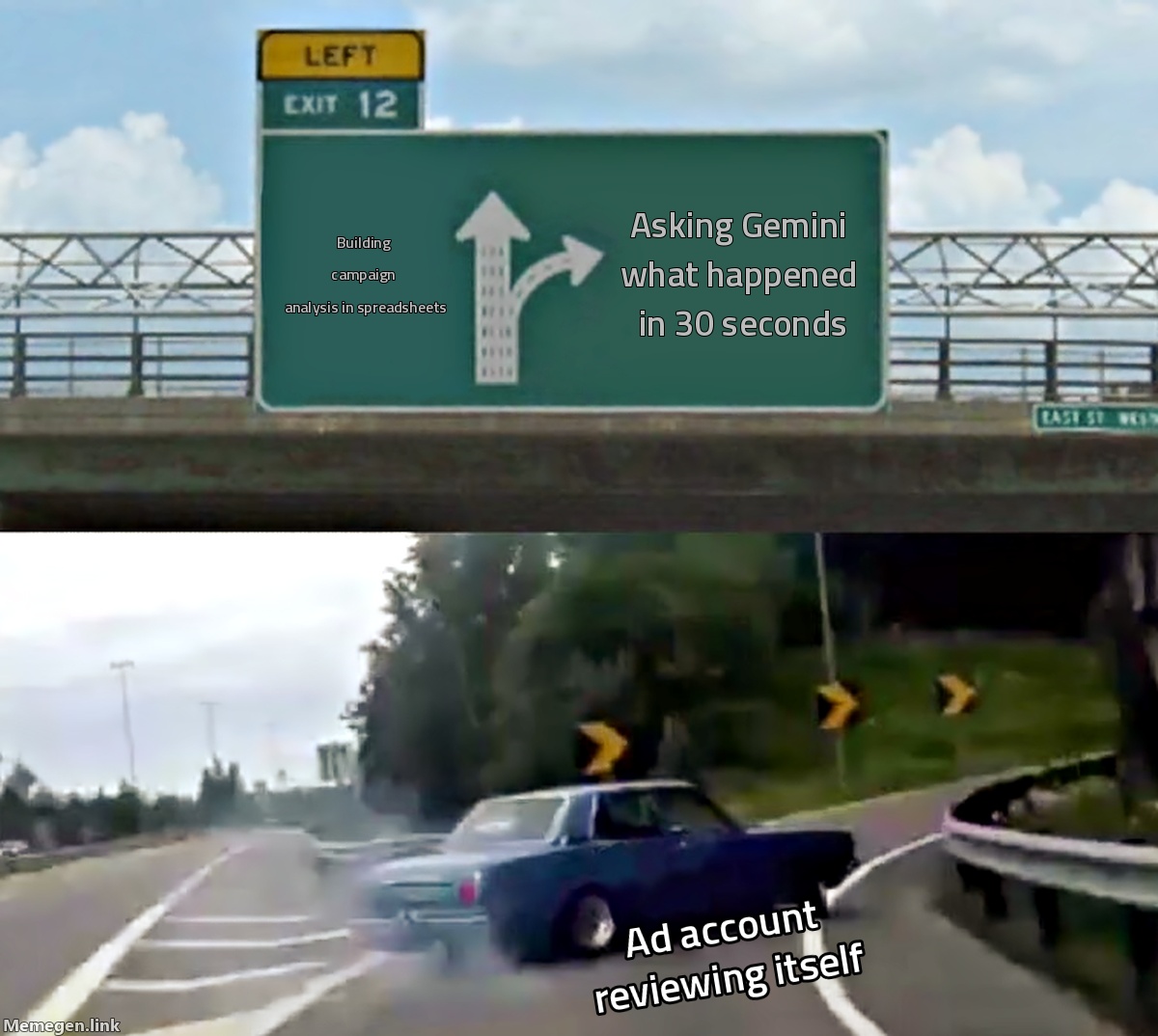
Speed. For exploration — getting a first read on performance before deciding where to dig deeper — the conversational interface is faster than navigating menu trees. You can describe what you want to understand, get a visual answer, and decide in 30 seconds whether it warrants an hour of deeper analysis.
Stakeholder communication. The AI summary writes in plain language and explains what changed and why in a format that works for weekly briefings or client reports where the audience wants conclusions, not raw dashboards to interpret themselves. That saves real time.
Initial anomaly detection. If CPAs spiked Tuesday and you don't know why, asking Gemini "what changed in my campaigns this week" is a reasonable first step before segmenting data by hand.
The structural problem worth knowing
Google's Gemini is explaining Google's auction. The "why" you get back comes from the same system that made the decisions you're trying to understand.
This is not a reason to avoid the feature. It is a reason to read its explanations with the same skepticism you'd apply to any interpretation offered by the entity whose choices you're evaluating. When Google's AI tells you "performance dropped due to increased competition in your category," that may be accurate. It may also be a model rationalizing behavior you should be questioning — an AI Max migration that compressed your query matching, a bid strategy adjustment you didn't trigger, an automated asset change that shifted ad relevance.
The dashboards surface data through the measurement framework Google controls. If you have doubts about how conversions are being attributed, a Gemini summary makes the picture more legible — it doesn't make the underlying attribution more credible.
Third-party measurement tools — Meridian GeoX, Northbeam, Triple Whale, platform-independent MMM — remain more reliable for understanding true incrementality. The AI dashboard is a starting point for exploration, not a replacement for independent verification.
What to do when it reaches your account
Use it to generate first-pass explanations you then verify elsewhere. A Gemini summary saying "average CPCs increased due to higher auction competitiveness" gives you a hypothesis to test — not a conclusion to act on without checking bid landscape data and impression share separately.
Use it for stakeholder communication, where the narrative format has real value. A human sanity-check should still happen before the summary goes anywhere external.
Don't rely on it to diagnose Smart Bidding behavior or explain what AI Max is doing with your budget. The platform explaining its own black-box decisions is the least reliable source for understanding those decisions.
The September 8 rollout is partial — not every account has it yet. When it shows up in yours, it's worth spending 20 minutes exploring what it can and can't answer. Use it where it's fast. Keep your independent measurement where it matters.
Google just made it easier to read the story it wants to tell about your campaigns. Reading a different version is still your job.
If your conversion tracking isn't clean enough for any reporting tool — AI or otherwise — to give you accurate data, the free audit at Gromerce shows you exactly what's missing in about three minutes.
Sources: Search Engine Land, ppc.land, Google Ads Help Center, September 2026
