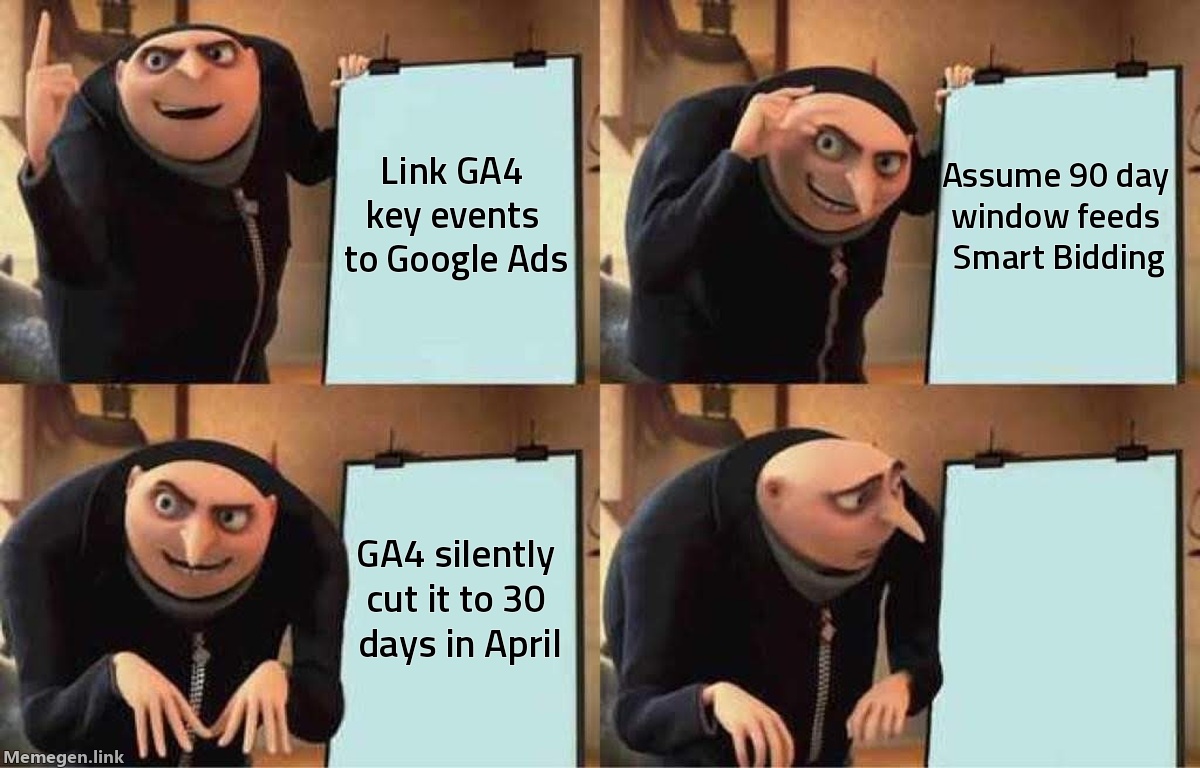
In April 2026, Google changed the default attribution lookback window for acquisition conversion events in GA4 from 90 days to 30 days. The change was documented in Google's changelog. Most advertisers didn't notice.
If your Google Ads account imports GA4 key events to feed Smart Bidding — and a large share of accounts do — that window change didn't stay in GA4. It followed those conversions into your bidding logic. Target CPA, Target ROAS, and Maximize Conversions have all been running on a shorter conversion history since April.
What the April restructure actually changed
The update merged two attribution reporting sections and shifted how GA4 handles credit for acquisition events specifically. Non-acquisition conversion types kept their 90-day defaults. Acquisition events — first-purchase completions, account sign-ups, primary lead forms — had their default window cut to 30 days.
For brands where buyers convert within a week of first ad exposure, 30 days is more than enough. It was always a generous window for that pattern. But for any account running high-ticket products, long retargeting sequences, or B2B consideration cycles, the change removed real conversions from Smart Bidding's view without any visible alert in the interface.
A buyer who first clicked your ad on June 1 and purchased on July 8 would have shown up in your conversion data under the old 90-day window. Under the 30-day default, that buyer doesn't exist.
The Smart Bidding cascade
This is not a reporting nuance. Smart Bidding runs on Data-Driven Attribution, and DDA uses whatever window is configured for the GA4 key events you've imported. Shorten the window, shorten the signal.
The practical consequence: campaigns driving conversions with longer consideration times start looking under-attributable to the algorithm. Google Ads doesn't know the window changed — it sees fewer conversions per impression, per click, per keyword. Over weeks, Smart Bidding routes budget away from those placements, not because they underperform, but because the attribution model can't see their results.
For accounts running Target ROAS, this produces a specific distortion. Fewer conversions attributed means fewer entries dragging the average — so reported ROAS may tick up slightly while actual revenue holds flat. The number looks better. The optimization is worse.
What landed in August
On August 11, 2026, Google updated GA4 to support custom integer lookback windows for conversion actions. According to Search Engine Land and ppc.land, the change replaced the fixed options with a continuous range:
- Click-through conversions (CTC): any integer from 1 to 90 days (previously six preset values)
- Engaged-view conversions (EVC): any integer from 1 to 30 days (previously fixed at 3 days)
These settings are available in GA4 within your conversion action configuration in the Advertising section.
This is the fix. It requires you to know the April change happened, check your current setting, and actively enter a number that reflects your business's actual sales cycle.
Who needs to act
If your buyers consistently convert within 14 days of first ad click, the 30-day default covers you. Skip this.
If your consideration cycle runs longer — furniture, electronics over $400, travel, B2B software, specialty apparel — you need to know your actual conversion lag before accepting the 30-day default. Pull your attribution data and look at the distribution of time-from-first-touch to conversion for your key events. The 80th percentile lag is your minimum window, with some buffer added.
Q4 timing makes this more urgent. If your September upper-funnel campaigns generate buyers who convert in October and November, a 30-day window clips a meaningful share of those conversions from Smart Bidding's learning before BFCM even starts.
Why this is easy to miss
Your standard conversion columns don't display the attribution window. They show counts. If your total conversion volume looks steady, nothing in the account signals that the window changed.
The mismatch becomes visible when you compare GA4 attribution data to actual CRM revenue, or when Smart Bidding's decisions stop making sense against the results you can see in your own systems. For accounts where everything appears consistent on the surface, this sits invisible until someone specifically checks.
The April change was one of several GA4 restructuring moves that affected attribution settings without prominent in-product notification. The 7-day DDA offline conversion limit, the Consent Mode backstop removal in June — this is the same category of structural change. Something shifts, standard reporting looks normal, bids adjust quietly in the background.
The actual fix takes three minutes
Go to GA4. Find your acquisition conversion actions in the Advertising section under conversion management. Check the current lookback window. If it reads 30 days and your consideration cycle runs longer, change it to whatever your data supports. The August update means you're no longer locked into preset values — 45 days, 55 days, 73 days, whatever your analysis shows.
One caveat: window changes are not retroactive. Historical data does not reprocess. The new window applies to conversions from the date you change it forward, which is why acting before Q4 matters more than acting after your BFCM campaigns end.
If you want a faster read on how your account's conversion setup is affecting Smart Bidding signal quality, the free audit at Gromerce surfaces attribution gaps without requiring you to dig through GA4 manually.
Set your window to match your buyers, not Google's April default.
Sources: Search Engine Land, ppc.land, Google Analytics Help — August–September 2026
